A Little Context
Not a prototype. Not a rough sketch. A documented, visual, working proof-of-concept in under 20 minutes.
Here’s what I did, and more importantly, why it worked.
These aren’t side projects or toy demos. They’re POCs for features I actually want to build, real ideas that deserve to be documented, visualized, and pressure-tested before they’re worth a larger investment of time or resources.
What I’m exploring is a specific hypothesis: can AI meaningfully accelerate how I produce artifacts, not just faster, but with richer detail and tighter thinking than I’d get working alone?
So far, the answer is yes. Here’s the workflow.
The Problem With Most “Build Fast” Advice
Everyone tells you to move fast. Ship early. Iterate quickly.
But fast without structure is just chaos with a deadline.
Before you write a single line of code, you need three things: a clear problem statement, documented requirements, and something visual to pressure-test the idea. Most teams skip at least one of these. And that’s where projects quietly die.
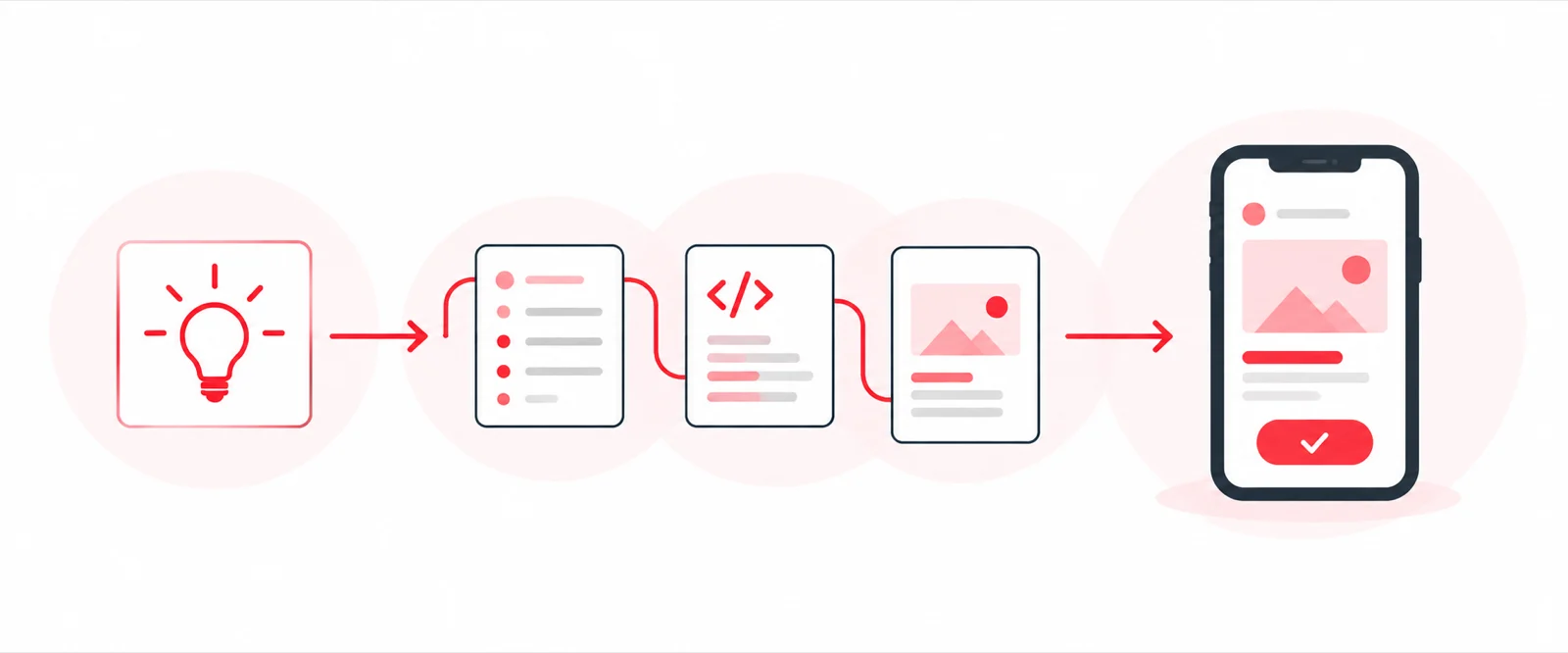
The Workflow: PRD → Code → Working Concept
I used Claude as a thinking partner, not just a code generator. The difference matters.
Step 1: Write the PRD with Claude
I described the idea conversationally — what problem it solves, who it’s for, what success looks like. Claude helped me shape that into a structured Product Requirements Document: objectives, user stories, scope boundaries, key flows.
This part took maybe 10 minutes. But it wasn’t just documentation for documentation’s sake. The act of writing it forced me to sharpen the idea. Vague concepts become real when you have to articulate them.
Step 2: Hand the PRD Back to Claude as a Brief
Here’s where it clicked. I took the PRD Claude helped me write and fed it right back as the prompt for code generation.
Claude had full context. The requirements were already structured. There was no ambiguity to interpret or assumptions to make. It translated the documented spec directly into working code.
That’s not magic, that’s good input producing good output.
Step 3: Something Visual to Test the Idea
Within 20 minutes, I had something I could look at, click through, and pressure test. Not a static mockup. An actual working concept.
That changes the conversation — with collaborators, stakeholders, or just yourself. You stop talking about the idea and start reacting to it.
Why This Actually Works (And Why Anyone Can’t Just Do This)
Most people use AI tools as autocomplete. They prompt on the fly, iterate randomly, and wonder why the output feels generic.
Here’s what they’re missing: the tool is only as good as the expertise and taste behind it.
The PRD I wrote with Claude wasn’t generic because my inputs weren’t generic. I knew what questions to ask, what to cut, what mattered to the user, and what was scope creep dressed up as a feature. That’s not something you learn from a prompt template, it comes from years of building products and developing a point of view on what good looks like.
Claude executed. But I directed.
The PRD-first approach works because it forces clarity before generation, and that clarity has to come from you. When requirements are documented and structured by someone who actually knows the space, AI tools can do what they’re best at: executing against a clear brief without wasting time on ambiguity.
It’s the same reason a designer with a sharp creative brief produces better work than one guessing at intent. The expertise shapes the constraint. The constraint enables the output.
What This Isn’t
This isn’t about replacing product managers, designers, or engineers.
It’s about compressing the time between “I have an idea” and “I have something real to react to.”
That gap, from concept to something tangible, is where most ideas get stuck, deprioritized, or die in a slide deck. Shrinking it matters.
The Takeaway
If you’re using AI to generate code without first generating clarity, you’re leaving the most valuable part on the table.
And if you think the tool is doing the heavy lifting, you’re mistaken about where the value actually lives.
The real power isn’t Claude. It’s the combination of Claude’s execution speed and domain expertise, with a taste most people spend years developing. The tool compresses time. Your judgment determines whether what gets built is actually worth building.
Document the idea. Shape the requirements with your expertise. Then let the tools execute.
Twenty minutes. Working concept. The workflow is repeatable — but only if you bring something real to it.