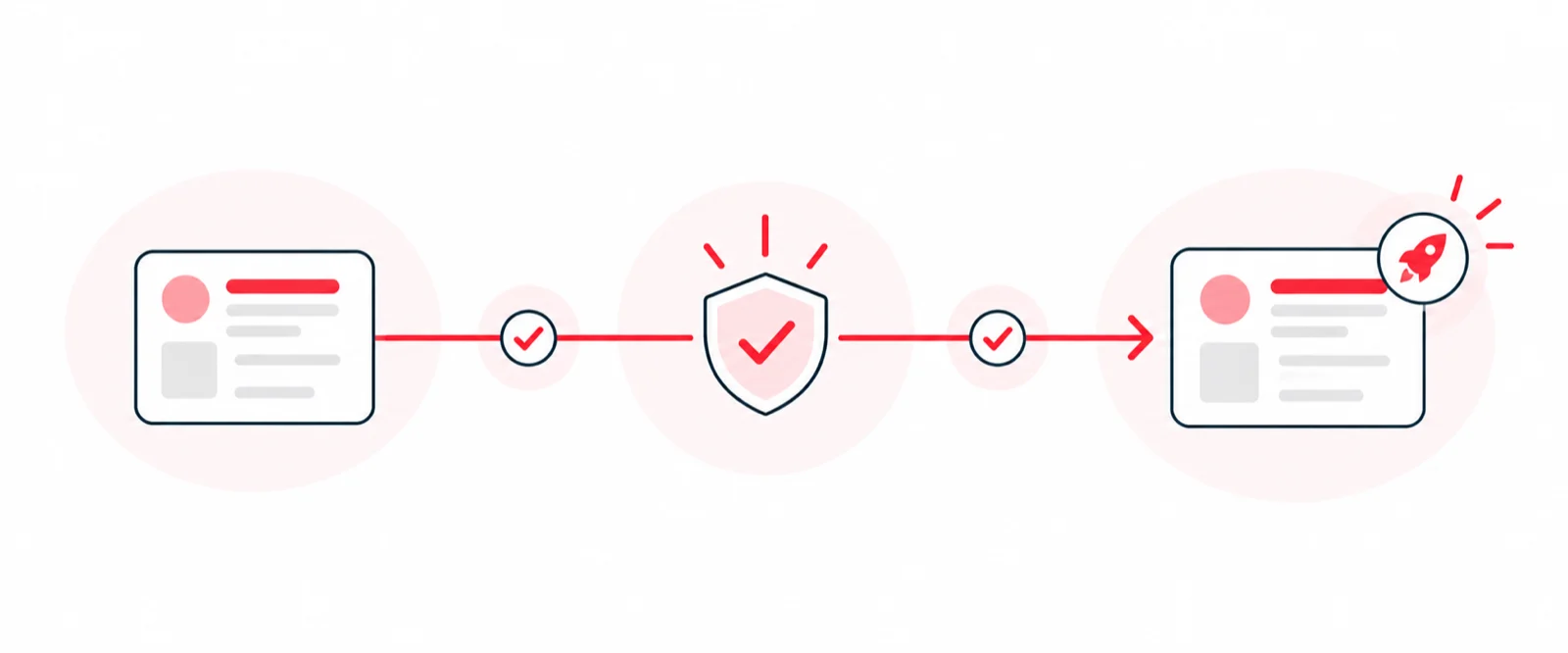
Imagine you spent hundreds of thousands of dollars researching what users want. You asked them dozens, if not hundreds, of questions. Panel after panel shuffles in and out of your conference rooms. Your team gathers the data and deduces what users want next, but time is running out.
You throw together a design that stakeholders like but can’t gather the necessary feedback to know if it solves the problem. You have pressure to deliver something… anything… because you need immediate results. Your stakeholder is happy, so you decide it’s ok to skip user testing.
You don’t know if this feature will have the intended user or business outcomes. You are making a bet — a big one. But instead of lowering the risk, you’ve increased it because you ultimately left out the very consumer that’s supposed to be at the center of the experience. You’ve gone from spending a ton of money and time on user-centric panels and questions to ending up with a business-centric solution.
Short-term gains, long-term losses. More often than not, these decisions will cost you more time and money. You’ll have to go through an entire user feedback process before you can iterate on your designs. This time you’ll be under even more pressure as you’ll face the prospect of users abandoning your app and sales losses or drops.
Unfortunately, this is a daily scenario in most businesses. What can you do if you find yourself in this situation?
Ask for more time
In reality, deadlines can move, and they do a lot of the time. If you believe a delivery date is in jeopardy or are uncomfortable with the time allotted to deliver a feature, ask for more time. You’ll be surprised at what can happen if you are proactive with issues. People are reasonable, and if you can make a compelling case, you’ll often get more time. But let’s say you asked for more time, and the request was denied. What happens next?
Understand what you are delivering.
First, don’t panic. You have options. The very first thing you should do is spend time analyzing what your solution is and any issues it may have. Not every solution is perfect. There will be unaccounted for edge cases, but shoot for a solid happy path and work your way out from there. Ideally, you work in an agile environment where you can iterate quickly once something is in the user’s hands. The following tips will help you get feedback so you can fill up a backlog of fixes and updates for that feature.
Informal testing with colleagues
It depends on what you are trying to test. I work in a building with 300-400 people – that’s a lot of potential feedback. Many of my colleagues are not part of our workflow or familiar with what we are doing, but many use our apps, which is good for us. We reach out to team leads to help us coordinate some small user testing sessions when we need to get immediate feedback. We usually print out low-fidelity mockups or share Overflow (see next point) journeys that we make from Sketch artboards. To do this type of testing effectively, you must know the most effective means of performing the test.
Overflow User Journeys
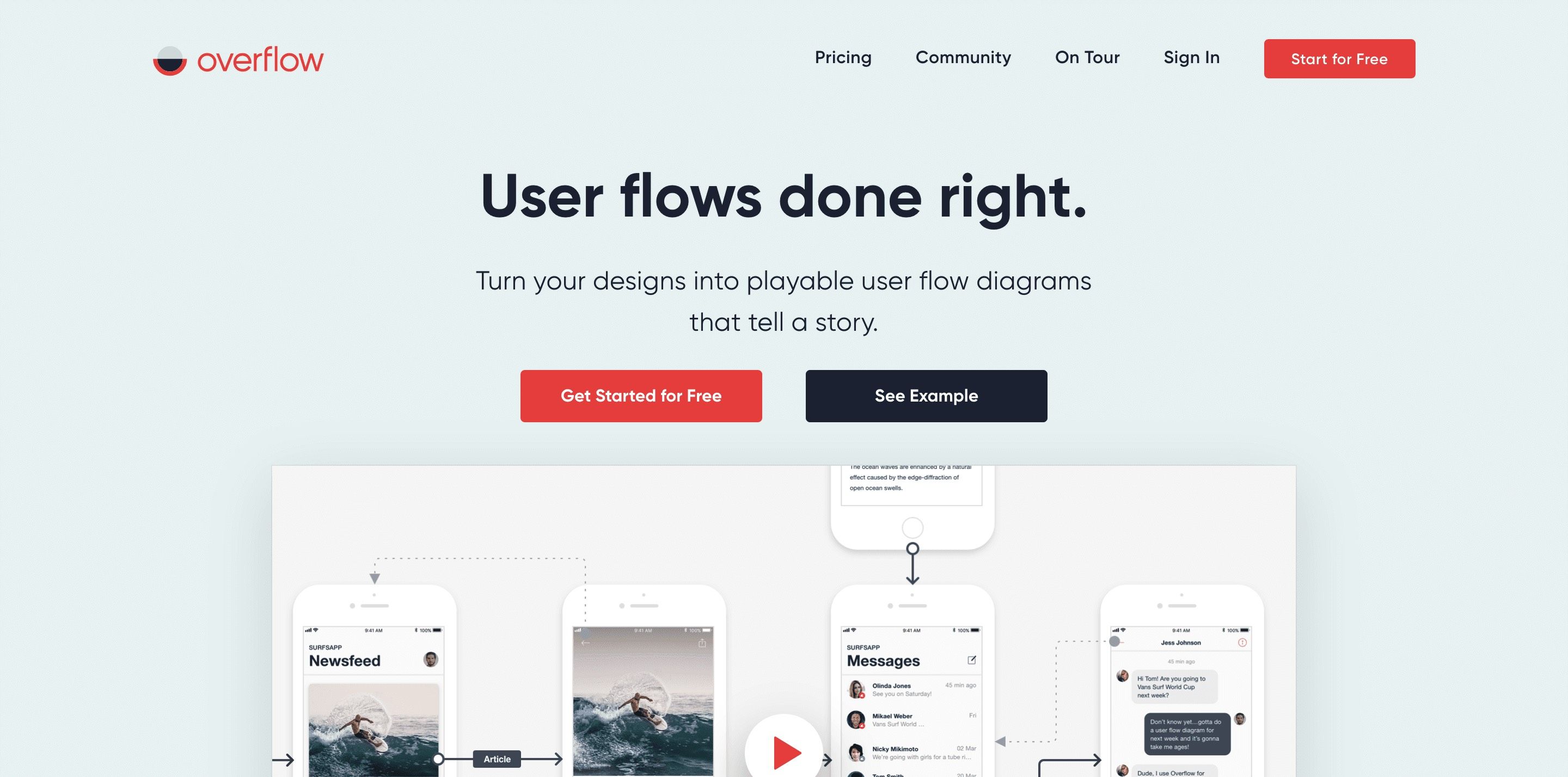
We love Overflow. It’s been our best tool for mapping out a user journey and finding gaps in the experience. This is the cheapest and quickest way to test, as you need to create an Overflow project and import your Sketch artboards.
Once you have all of the screens in flow in front of you, it’s easy to identify and fix problems as you need to update the Sketch file. This could be as easy as tweaking a screen, adding a new one, or removing one. It takes minutes and can be done in parallel with actual development. If you decide to do similar design and dev, ensure the developers are working on things you won’t be changing. Example: You have a map UI and know that the store component won’t change, but the layout around it will. Your dev team can work on that store component without fear, as it’s not part of the test. As a product manager, this helps you deliver value sooner rather than later.
Store Intercepts
This method is the most expensive because you generally have to have something tangible for users to test. You’ve already gone through design and some development. I recommend going for the MVP approach. You don’t need to cover every edge case, but you should have the happy path completed in some form for users to give feedback on.
For our onsite kiosk tests, we offer to buy users their lunch. This does have the risk of users giving us biased feedback, but we reduce that by watching them use the product/feature. We go into observation mode. One team member will provide a scenario and answer questions; the other will observe and take notes. We focus on watching what they do more than the verbal feedback they give us.
BETA User Tests Groups
If you are fortunate enough to have a soft rollout, you can work in a small BETA. Most brands have a group of super fans who love to interact with them. If you work for one of these, you can canvas your user base for volunteers. Feedback here may be biased, but feedback is welcome if you are in a pinch.
Phased Rollouts
If you’re all in, you’re all in. A phased rollout is a simple and effective way of getting honest user feedback. You can do this with either a feature flag or the app stores. If you see a spike in complaints or failures, you can take immediate action to remediate before moving forward. You increase risk, but you control the impact.
Implement a Design Process
This is a longer-term step, but a design process is crucial for quick decisions. We’ve been using the variation of the Design Thinking Process. This is a critical piece of our workflow. It helps us iterate through ideas quickly to land on solutions faster.
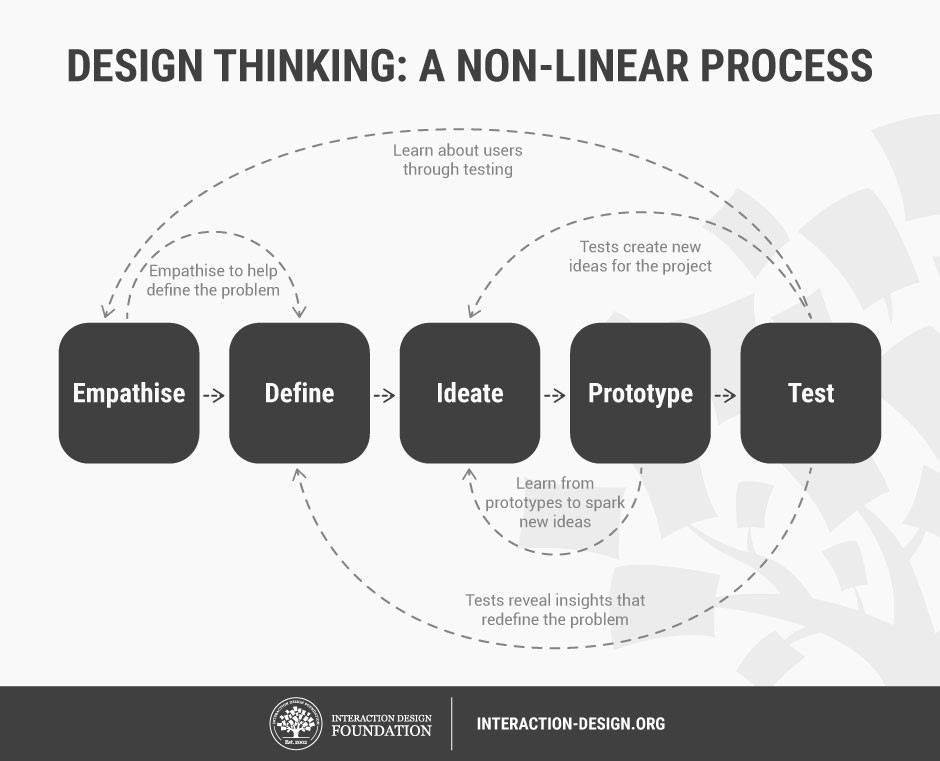
The gist of it is that you start with a proposed solution and end up with something that has been battled tested by users. The answer you begin with is rarely the one you end up with after trying with users. You’ll discover gaps and new requirements that you wouldn’t have without the process. By doing this, you’ll end up with a deeper understanding of your users and their needs. We won’t go into a complete explanation, but you can read more about it here.
Competitive Analysis
I don’t recommend pinching competitors’ ideas, but I am definitely not above it. Study the approach if you find a solution that you think solves your problem. Often competitors try to solve the same issues, and their solutions rarely stray from yours. After all, you are competing for the same consumer, and generally, resolutions don’t stray too far (for example: loyalty programs are moving towards points vs. spend or visits).
In Closing…
In a perfect world, you have enough time and money to make the best decisions possible for users. Unfortunately, that’s not the reality most of us live in. We can, however, minimize the risk by taking positive actions when placed in undesirable situations and, in some cases, can work proactively to reduce the risk.
Disclaimer
I can’t imagine delivering a feature that we didn’t test. I say that – but I am 100% guilty of doing it. Recently even. I regret it, but I did it because we had to. We were hemorrhaging money, and the solution was an updated experience. We launched it, and it worked well. It solved the problem – it brought down our billing significantly. Huge win. I’ll write a case study on this soon and link it here.
Footnotes
-
Remember, your stakeholder is, in most cases, not your target audience. You need their approval, but the success of your solution depends on actual users.
-
From experience, numerous things are at play: politics, sales dip, pressure from higher-ups, marketing campaign dates, misconceptions about testing, etc. A lot of these are out of control, so let’s focus on something that is: testing the experience.