Guests did ask us for Apple Pay. But the requests undersold the problem. The bigger signal was quieter: without it, guests spent less. Most people don’t file a ticket about a missing payment method. They just complete fewer orders.
When we added Apple Pay and Google Pay at Jack in the Box, the payoff was bigger than the requests suggested. I wrote about it in what friction actually costs. All we did was remove the most expensive tap in the app: typing a card number into a phone while standing in a parking lot.
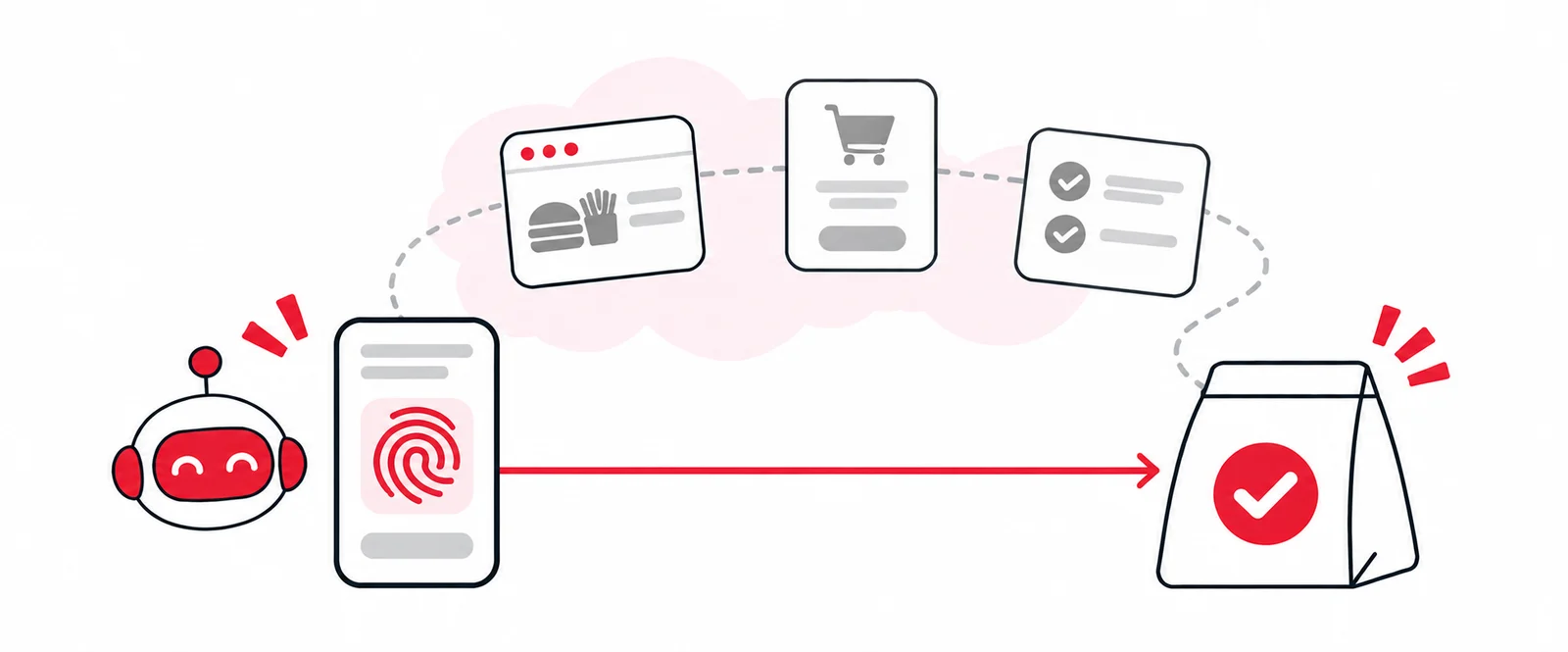
That’s why I paid attention when OpenAI launched ChatGPT Wallet on November 13. Its agents can now finish a purchase for eligible US Pro subscribers. The guest saves a card once, and approves each purchase with Face ID or a fingerprint. OpenAI built it with American Express, Mastercard and Visa, and the agent gets a token for that one transaction, not the card itself.
It’s a limited launch. It only works inside OpenAI’s agents (it calls them dots), with credit cards, and there are no spending limits yet. But it moves the last tap of checkout somewhere new. For a decade that tap lived in our apps. Now it can live inside the agent.
Why the payment step matters more than the chat
Most of the talk about agent ordering is about the conversation. Can the agent understand “my usual, no pickles, ready by 6:15”? That part is getting good fast.
The part that decides whether money changes hands is the end. In every ordering launch I’ve worked on, checkout is where orders go to die. It’s the moment the guest has to stop, find something and type. When we rebuilt the Jack in the Box app, checkout got the same attention as the menu, because we treated that last step as the product.
A wallet inside the agent removes that moment. Approving with a fingerprint is about as low-friction as payment gets. So the bottleneck moves to your side: will your website let the agent through, and does the guest trust what they’re approving?
What I’d change before guests show up with it
I’ve written about getting ready for AI agent ordering in general: menu data, offers, loyalty. Wallet narrows the question to checkout. Here’s what I’d work on.
1. Make the order readable at the approval moment. The agent checks out on your own website, then shows the guest the merchant, the items and the total to approve. That screen is only as clear as what your site shows the agent. If your item names are internal codes, if modifiers read like “MOD 4, MOD 11,” or if fees and tax appear only on the last step, the guest is approving something they can’t read. Write item and modifier names a guest would recognize, and show a total that includes everything before the final button.
2. Check that your own checkout lets the agent in. Merchants don’t need a Wallet integration. The card networks hand the agent a one-time card number, and it pays on your site like anyone else. That sounds like good news, and it is, until your bot protection or fraud rules see a browser that moves too fast and a card number used once, and decline a guest who was trying to pay you. Ask your web and payments teams, today, what happens when an agent reaches checkout. Then place a test order through one yourself.
3. Decide who gets the loyalty credit. When the agent pays, is the guest still a member? If the order doesn’t carry the guest’s loyalty ID, your best guests earn nothing for ordering the easiest way. They’ll notice. Decide the rule now: link the account at first agent order, and make points post the same way they do in the app.
4. Have a policy on agents, on purpose. United Airlines said it would block agents from booking tickets. That’s a legitimate choice for some businesses. For a restaurant, blocking agents mostly means a guest who wanted to order from you orders from the place that let them. Whatever you choose, choose it in a meeting, not by accident in a fraud rule.
5. Measure the gap between approval and pickup. The new failure mode is an approved order that’s wrong or never lands: the agent picked the wrong store, the wrong size or a sold-out item, or the guest approved and your site never placed the order. Send a confirmation the agent can read, so “approved” and “placed” mean the same thing. Track how often an approved agent order ends in a refund, a remake or a no-show, by reason. That’s the number that tells you whether the channel works. It’s the same rule as testing any AI feature: know how it fails before guests find out.
Do the work before the volume shows up
The guests who use this first will be early adopters with paid subscriptions. The volume will be small for a while. Square has let restaurants take orders through ChatGPT and Claude since July, and agent orders are still a rounding error next to app and drive-thru.
I’d still do the work now, because it’s the same work your own app needs. Readable menus, a total with no surprises, payments that take one approval, and loyalty that follows the guest. Every one of those improves your app conversion today, whether an agent ever shows up or not.
The Apple Pay lesson holds. Some guests will tell you checkout is too hard. Far more will just order where it’s easier. Wallet makes “easier” a fingerprint inside an assistant they already use. Make sure your restaurant is on the other side of it.