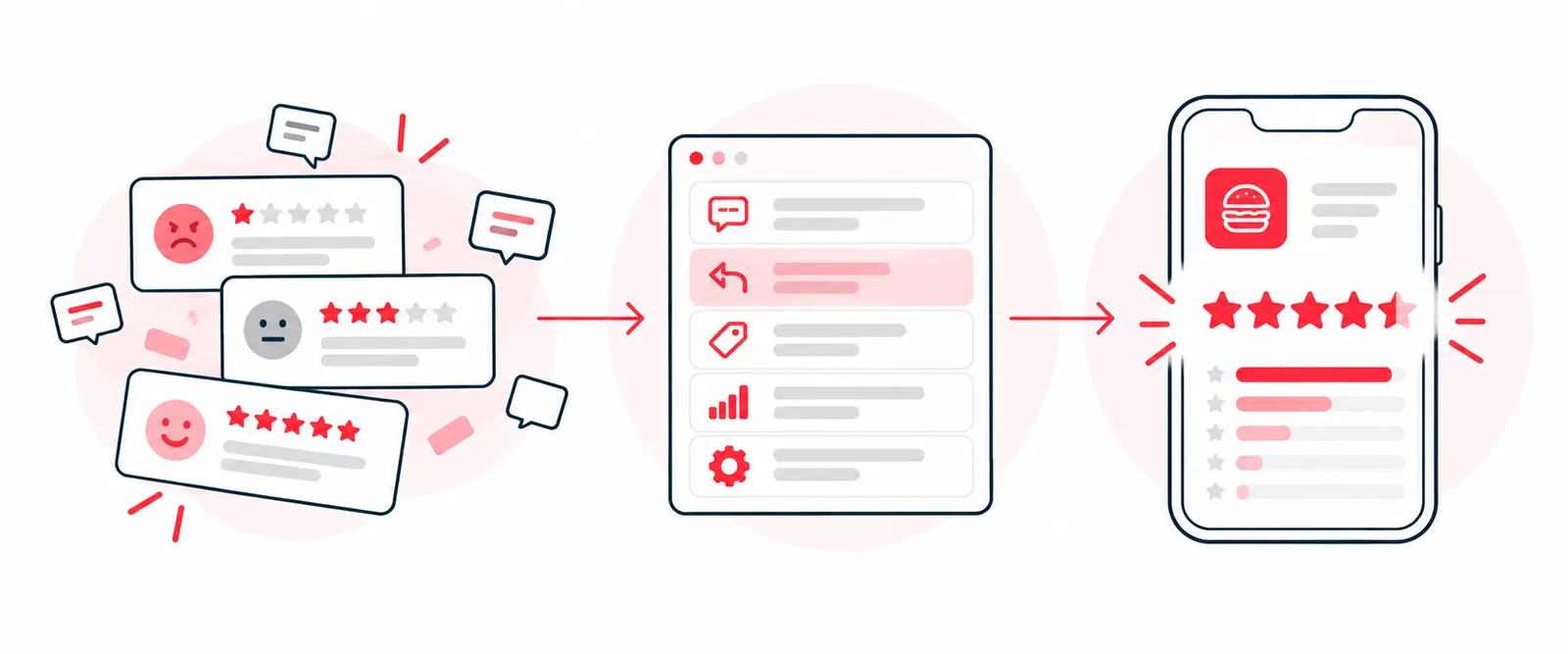
When I took over the Jack in the Box app, it had a 2.6-star rating. Eight months later it was a 4.8 on iOS and Android. Nothing about that turnaround involved review-management software, canned replies or a clever prompt. It came from treating the rating as a symptom and fixing what was causing it.
Most advice on improving an app store rating starts with the rating. Ask happy users for reviews. Reply to the angry ones. Add a “love this app?” pop-up. Those tactics move the number a little, temporarily. They don’t move it from 2.6 to 4.8, because a low rating isn’t a marketing problem. It’s a product telling you, in public, where it breaks.
Here’s the playbook I’d run on any app with a rating problem.
Step 1: Treat the rating as a failure log, not a report card
A star rating is a record of motivated behavior. The people who stop what they’re doing to leave a review mostly had an extreme experience. The silent majority who ordered successfully and moved on contribute nothing unless you ask them.
So the rating skews toward failure. That sounds bad, but it makes the reviews more useful than they look: every one-star review is a guest who found a failure, described it in plain language and published it. They did your QA for free. I wrote more about that in Your app store rating is lying to you.
The first question isn’t “how do we raise the number?” It’s “bad at what, specifically?”
Step 2: Read a few hundred reviews and sort them
Pull the two or three hundred most recent one- and two-star reviews. Read them yourself, not a dashboard’s summary of them. Tag each one with the job the guest was trying to do and where it broke.
You don’t need tooling for this. A spreadsheet with a column for the review and a column for the job is enough. I walk through exactly how to set that up in How to build an app review taxonomy.
Almost every time, three to five categories account for most of the negative volume. At Jack in the Box there were four:
- Sign-in. Guests couldn’t get into the app.
- Offer redemption. The loyalty flow failed in ways that were consistent but hard to diagnose.
- Orders failing. Guests lost orders mid-transaction, at the worst possible moment.
- Menu navigation. Guests couldn’t find what they wanted fast enough to stay.
Those four categories became the roadmap. Not because I invented a framework. The guests had already done the prioritization.
Step 3: Translate complaints into failed jobs
Review language is emotional. The information inside it is structural. “This app is garbage, I can never log in” isn’t a mood. It’s an authentication failure at step one of the job “sign in and order,” and it’s critical.
Reading reviews through a Jobs to Be Done lens keeps you from treating three angry reviews as one problem when they’re three different failures. Fixing sign-in doesn’t fix offer redemption. More on this translation in What a one-star review is actually telling you.
Step 4: Fix the highest-volume failure first, and fix it properly
Rank the categories by how many guests each one fails, not by how loud the reviews are or how much the failure annoys the team.
Then fix the thing, not the symptom. At Jack in the Box, sign-in came first because a guest who can’t get in can’t do anything else. We replaced passwords with one-tap magic links, and sign-in success went to the mid-90s (case study). Offer redemption moved into the cart instead of a separate screen (case study). Checkout was rebuilt so orders stopped disappearing.
One thing worth knowing: fixing the front door changes your data. While sign-in was broken, every other metric only measured the guests who made it through. Once it worked, we could finally see the rest of the funnel accurately.
Step 5: Ask for ratings at the moment of success
When you ask matters as much as whether you ask. Most apps ask too early, ask right after something frustrating, or ask so often that people ignore it. All three drag the rating down.
The right moment is right after a guest has done the thing they came to do. Order placed. Offer redeemed. That’s when an honest guest gives you a rating that reflects a working experience.
A few practical rules:
- Use the platform’s own prompt. Both iOS and Android provide an in-app review prompt. The system decides whether to show it and limits how often, so don’t waste your chances on a first launch.
- Never ask after an error, a delay or a cancelled order. Gate the prompt on a successful completion event.
- Don’t buy ratings. Incentivized reviews break both stores’ rules and produce a number that collapses the moment the incentive stops.
After we fixed the core flows, we moved the prompt to successful order completion. The rating moved because the product improved, and the timing made sure that improvement showed up.
Step 6: Respond to reviews, but know what it’s for
Replying to reviews is worth doing for bug reports: tell the person it’s fixed and in which version. It’s reputation management, though, not product work. I go deeper on when replies help and when they’re a distraction in Should you respond to app store reviews?.
Step 7: Watch the reviews, not just the stars
The rating is a lagging indicator. Keep reading new reviews every week with the same categories. When a category shrinks, the fix worked. When a new one appears, you’ve found your next priority before it shows up in the average.
Both stores also give recent ratings more weight than old ones, in different ways, so a fixed product shows up in the number faster than most teams expect.
How much the rating actually moved
| Before | After | |
|---|---|---|
| iOS rating | 2.6 | 4.8 |
| Android rating | 2.5 | 4.8 |
| Checkout conversion | — | 90% |
| Sign-in and sign-up success | — | 95%+ |
The full story is in the app rebuild case study.
The short version
- Read the reviews, not the rating.
- Sort them into the jobs that fail.
- Fix the highest-volume failure first, properly.
- Ask for ratings right after success.
- Keep reading. The number follows the product.
A managed rating on a broken product is a lie that compounds: people download because of the stars, hit the failure and leave a review angrier than they would have otherwise. Fix the product. The rating is a byproduct.