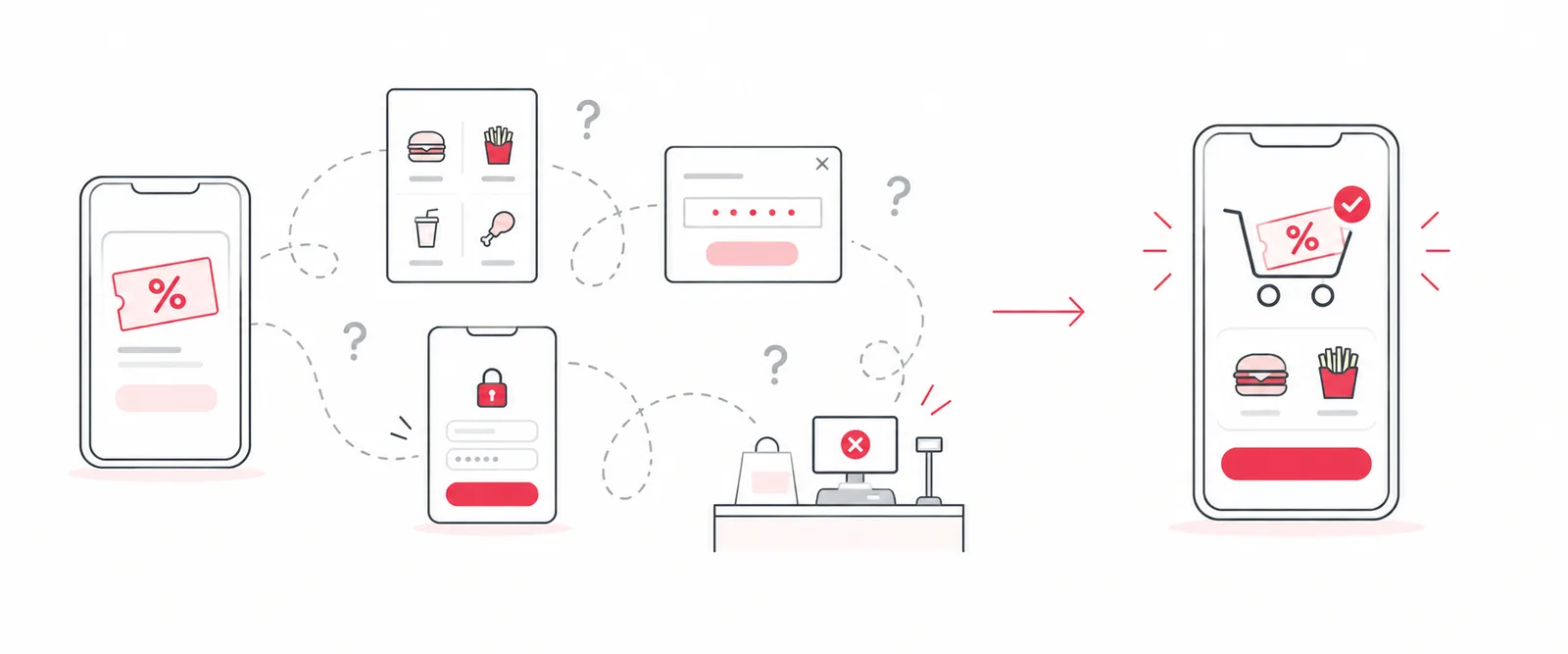
Offers are one of the strongest levers a restaurant app has. A good deal gets a guest to open the app, build an order and come back next week. But in my experience, offers rarely fail because the deal is weak. They fail at the moment that’s supposed to pay it off: applying the offer to an order.
A restaurant rewards program has several distinct pieces: points guests earn, rewards they cash those points in for, and offers, the deals and promo codes that sit alongside them. Each one breaks in its own ways. This post is about offers.
When I dug into the one-star reviews for the Jack in the Box app, offer redemption was one of the four biggest sources of complaints. At Popeyes, a monthly national partnership promotion was converting in the low single digits because redeeming the promo code was harder than it should have been. Different brands, same problem: the offer flow was designed around how the systems worked, not how guests behave.
Here are the five places I’ve seen offer redemption break, and what fixed each one.
1. The offer and the item live in different places
This was the most painful failure at Jack in the Box. To use a deal, guests had to add the offer, then separately go find the matching menu item and add that too. Offers and items were two systems that had never met each other, and guests were constantly getting the combination wrong.
From the guest’s side, it’s simple: “I want the deal.” They shouldn’t have to understand that the deal and the burger are different objects in your backend.
The fix: connect the offer to the products it applies to. At Jack in the Box, we put the eligible products right on the offer detail page. A guest picks the item there, and we add the offer and the product to the order together, in one step, instead of making them add the offer and then hunt the menu for the item. At Popeyes, once a guest unlocked a promo, the eligible product was added to the cart automatically. No hunting.
2. Applying an offer means leaving the order
In a lot of apps, a guest who remembers a deal halfway through an order has to leave the cart, go to the offers screen, pick the offer and find their way back, often losing their place. A deal meant to drive orders creates a detour in the middle of one.
The fix: make offers reachable from wherever the guest is ordering, and bring them back to their order when they’re done. A guest should never have to choose between the deal and the order they’ve already built.
3. Promo codes get their own separate flow
Popeyes ran a monthly partnership offer with T-Mobile: subscribers got a promo code redeemable in the app. The only way in was a content card on the home screen that opened a pop-up to validate the code. Then the pop-up closed and guests were on their own to find the right product.
Eight steps, three confusing handoffs, and conversion averaging under 3% per promotion.
The team’s first instinct was to build a brand-new promo code service. With a high-profile launch weeks away and a lean QA team, I didn’t want new infrastructure in the critical path. So we reframed it: could the existing offer system do the work?
The fix: treat the promo code as a lock on an offer. The T-Mobile offer was pinned to the top of the offers list. Guests tapped it, entered the code right there, and the eligible product was added automatically. Eight steps became six, with no handoffs.
| Before | After | |
|---|---|---|
| Checkout conversion | 3.36% | 9.82% |
| Offers redeemed per cycle | 42,000 | 139,000 |
| Steps | 8 | 6 |
| Support contacts | — | down 40% |
We’d hypothesized a 5% improvement in conversion. We delivered nearly triple that, and because it was built on the shared platform, Burger King got the same improvement from the same build (case study).
4. The offer is behind a sign-in that fails
This one hides in plain sight. Most app offers require an account, and a guest who can’t sign in can’t use any of them. Guests who forget a password at the drive-thru don’t reset it. They give up on the deal.
At Jack in the Box, password problems were the most common reason guests contacted support. We replaced passwords with one-tap magic links sent by email. Sign-in success went to the mid-90s, sign-up success to 99%, and guest relations contacts dropped 26% (case study).
If offer redemption looks low, check sign-in before you redesign the offers screen.
5. The app and the restaurant disagree about the offer
Even a clean in-app flow breaks if the restaurant can’t honor the offer. When the point-of-sale system, the offer rules and the app don’t agree, guests get told at the counter that their deal doesn’t work, or the discount silently doesn’t apply. Those failures land in the app reviews regardless of where they actually happened.
The fix: treat the POS integration and the offer rules as part of the redemption experience, not someone else’s problem. Test every offer end to end, in a real store, before the promotion goes live.
How to find where your offers break
- Read your reviews for offer complaints. “Deal wouldn’t apply,” “couldn’t find the offer,” “code didn’t work.” Count them. (How to build a review taxonomy.)
- Walk the flow yourself, from a fresh account. Count every screen and every handoff between seeing an offer and paying.
- Measure redemption as a funnel. Offers viewed, offers applied, orders completed with an offer. The biggest drop is your first fix.
- Fix with what you have first. At Popeyes, the existing offer system was enough. A new service would have been slower and riskier.
An offer is supposed to make a guest feel like they got a good deal. When redemption is hard, it does the opposite: it makes them feel tricked. Every step you remove between “I want that deal” and “it’s applied” is worth more than a bigger discount.